
1. Password (Free)
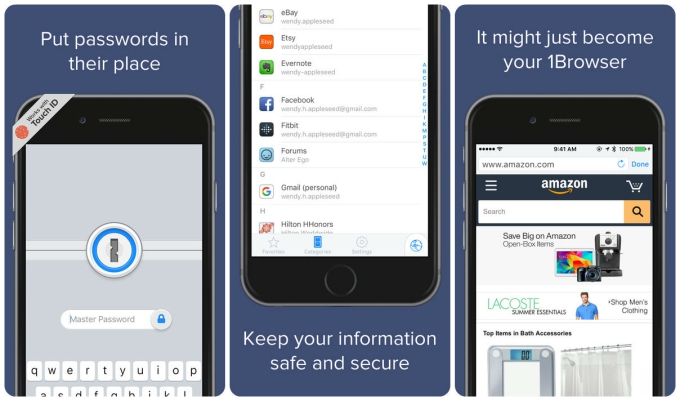 One of the most well known names in the business, 1Password makes it simple to store usernames and passwords, as well as credit card information, addresses and even simple notes. It’ll easily generate new passwords for you before filling websites with the information in a couple of taps. A pro service offers additional categories such as bank accounts, and driver’s licenses, for a fee.
2. LastPass (Free)
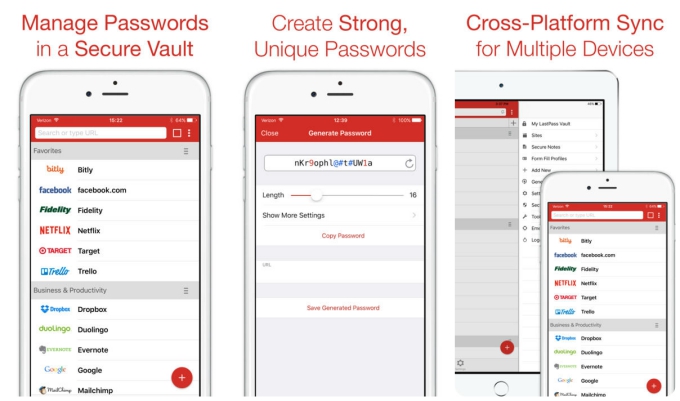 LastPass simply requires you to remember one password, before doing the rest for you, automatically filling in your logins, and even allowing you to sign in via TouchID. Offering a place to store membership details, IDs, software keys and pretty much everything else you want to keep private, the app is a Swiss Army Knife of security features. It’ll even give you a heads up when other sites or services have been hacked, reminding you to be extra vigilant.
3. SplashID (Free)
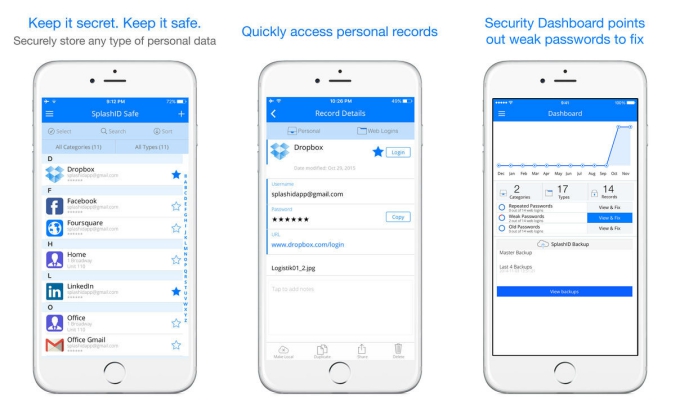 SplashID is a well established password storage system, providing a place for all your secure data. With a choice of cloud syncing or Wi-Fi syncing, you can be in complete control. Secure sharing also means you can share content with other SplashID users, plus there are attachment options and a photo capturing service.
4. Dashlane (Free)
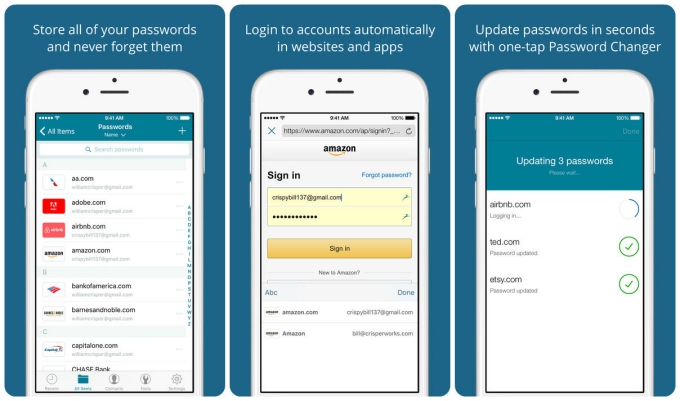 Dashlane offers a stylish interface while keeping your passwords secure. It syncs across all devices easily, while encrypting your data at all times. Autofill login makes browsing different sites a breeze, while still allowing you to use highly complex passwords. An auto-lock feature keeps things safe even if you lose your iOS device, too.
5. mSecure Password Manager ($9.99)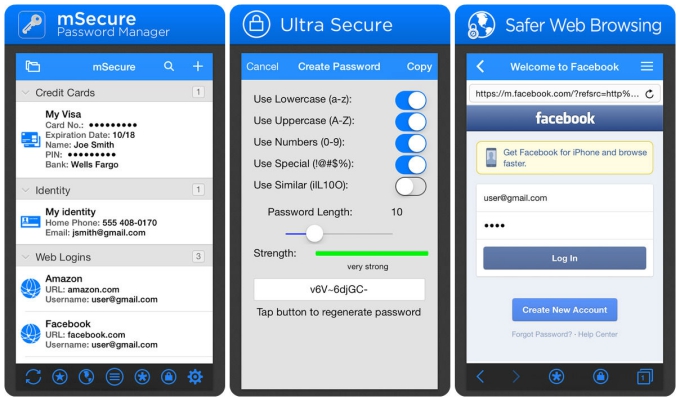 Offering a one time price rather than requiring a subscription, mSecure Password Manager provides the typical features of password generation and 256bit encryption. An auto-backup reminder keeps on top of things, while a series of templates makes it super easy to enter new data and information.
6. Enpass Password Manager (Free)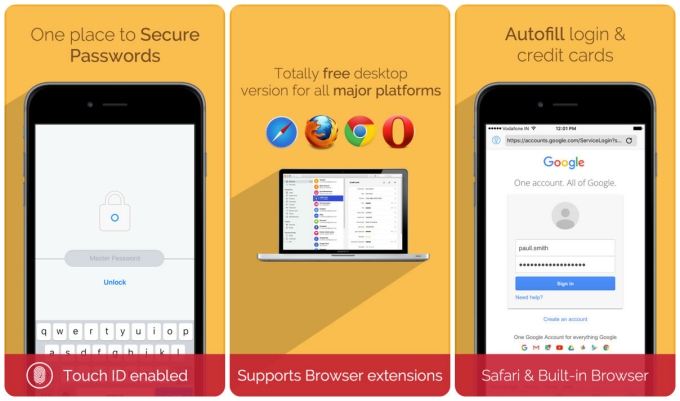 Available on multiple platforms, Enpass Password Manager embraces TouchID making it easy to unlock your content at a tap of your finger. No subscription is required with a number of preset templates ensuring your data is easy to enter, before being kept secure. Folder support makes it a breeze to navigate too.
7. PasswordWallet ($4.99)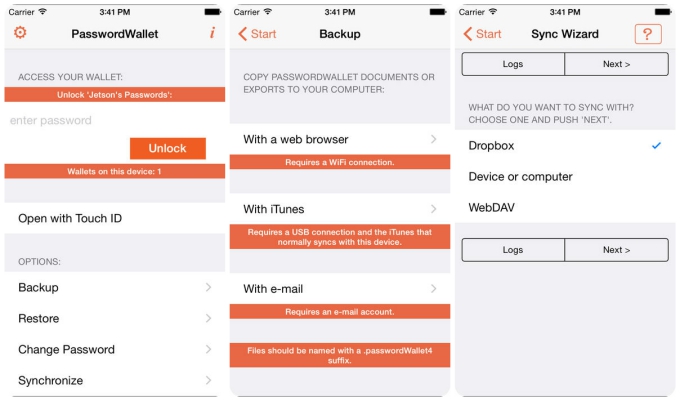 PasswordWallet prides itself on the fact you don’t require iTunes or any special software to easily backup, restore, and view your data on any PC, while also managing your passwords. It’ll easily sync up with PC or Mac, as well as work across multiple files and computers, being a particular advantage to more complex needs.
8. Keeper (Free)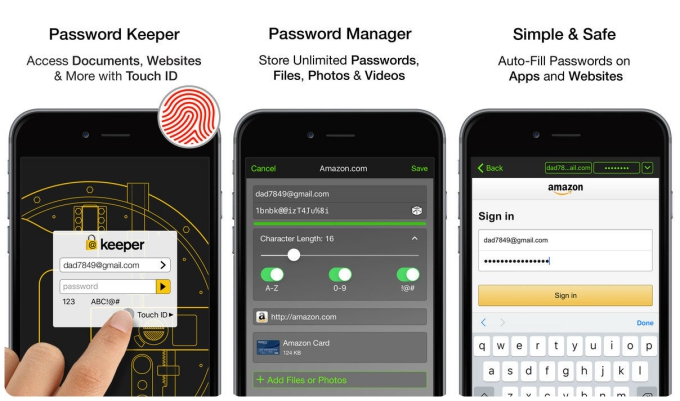 Keeper takes seconds to set up, storing unlimited number of passwords, only accessible via your fingerprint. It’ll generate new ones, as well as auto-fill content in apps and websites. You can store files, photos and videos within a private vault, ensuring everything on your phone is safely tucked away. Two-step verification can also be set up for added security.
9. eWallet ($9.99)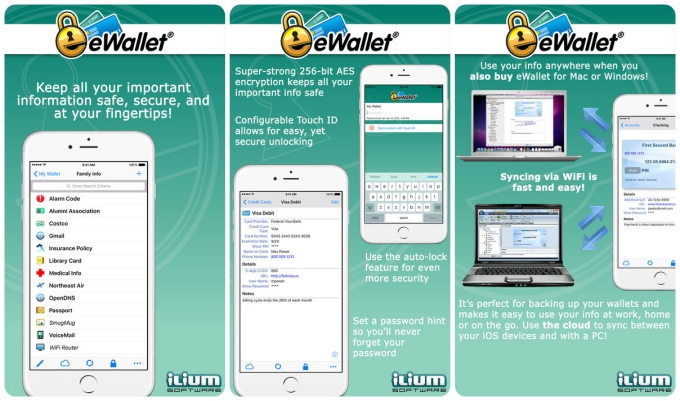 eWallet offers a place to store your passwords, credit cards, and bank account numbers all behind high end encryption. A password generator is included, along with an auto-locking feature, TouchID support, and extensive syncing functionality. It’s optimized for the iPad too, providing multitasking support for added ease.
10. DataVault Password Manager ($9.99)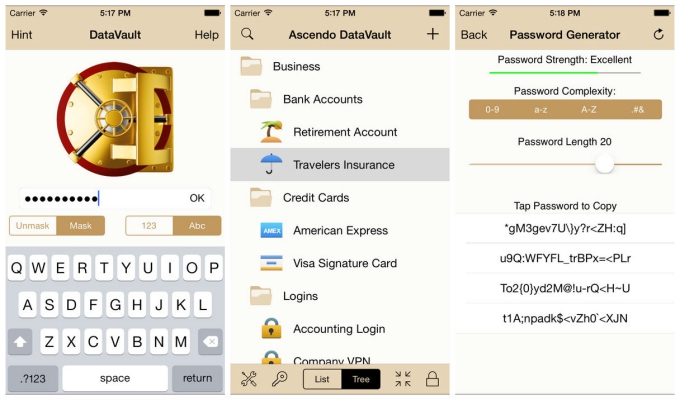 A well known name in the field, DataVault might look dated but it’s pretty powerful. The app offers AES encryption, Touch ID support, iCloud syncing, and automatic backups. It’s possible to set it up so everything is wiped after too many incorrect login attempts, but there’s always the option of a hint too. A series of templates makes it ideal for multiple forms of data.

